Screenshot to Shop
Screenshot Outfit Finder: AI Identifies Clothes Free
Any image, any outfit. Upload a screenshot and our AI identifies every item and shows you where to buy it.
Find This LookFetchFashion is a free AI fashion search engine that finds where to buy any outfit from a photo, across 1,000+ retailers, with prices in your local currency.
Curated by Luna · FetchFashion Editorial · Last updated: April 2026
Related sources: screenshot, how to take a screenshot on iPhone
Works with screenshots from
Related from the blog
Example: Emily's polka dot dress
What FetchFashion returns when you upload a TV show screenshot.
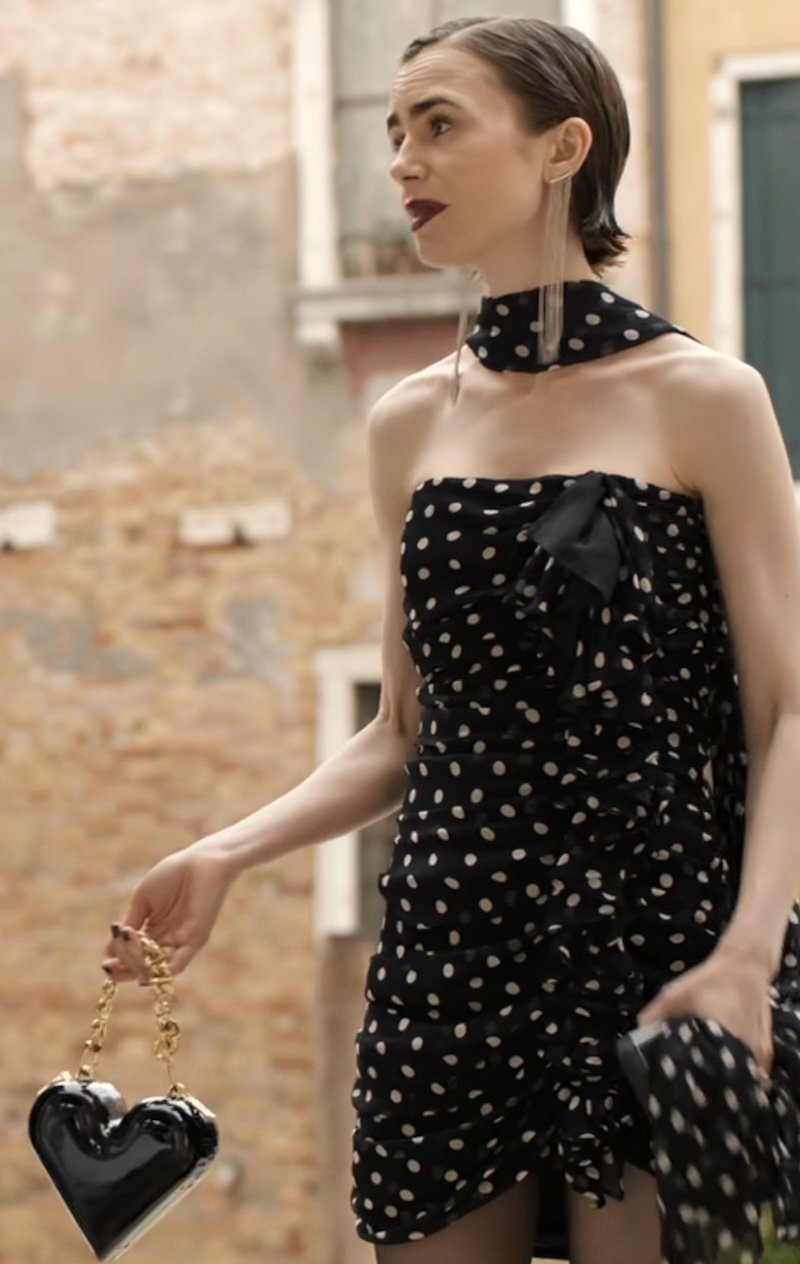 As seen on screenWhat FetchFashion returns when you upload a TV show screenshot.
Eleanor's Black Wrap Dress (Episode 1)
Kerry Washington as Eleanor in a Khaite black wrap maxi dress with an Olga Berg orchid lock clutch at the ballet.
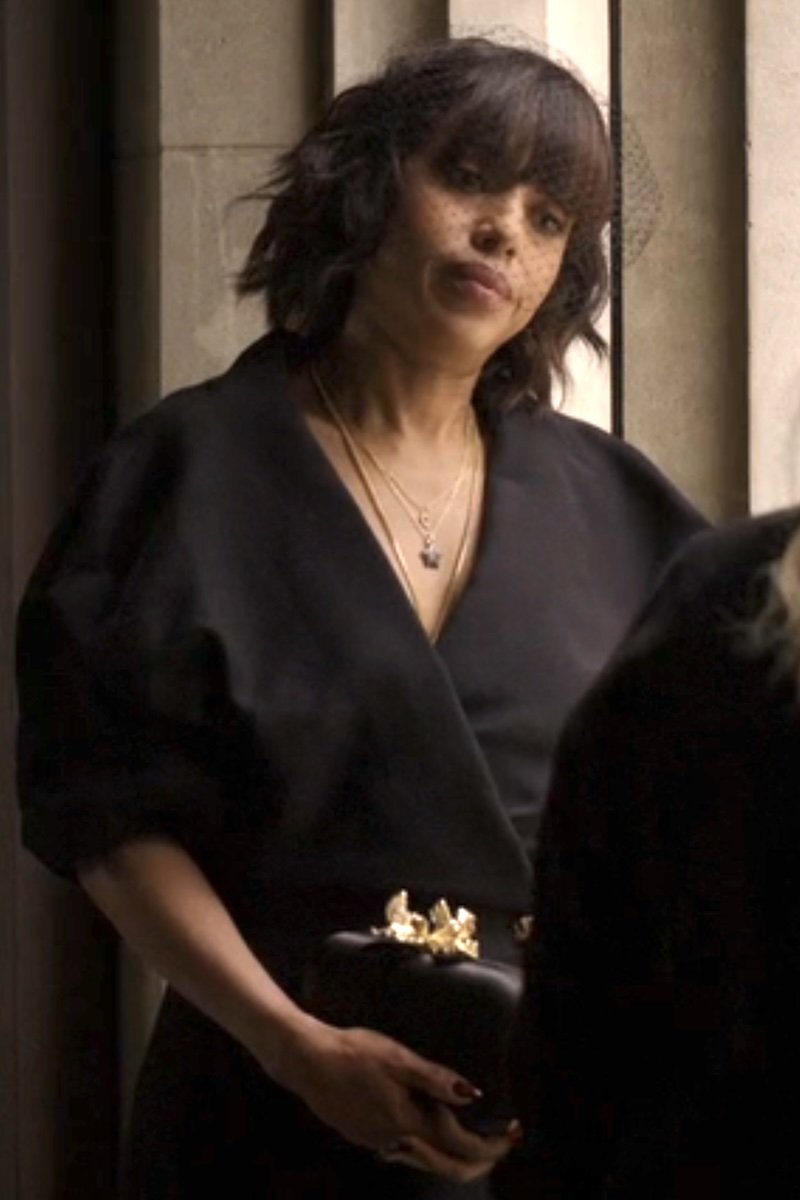 As seen on screenKerry Washington as Eleanor in a Khaite black wrap maxi dress with an Olga Berg orchid lock clutch at the ballet.
FetchFashion AI matched this in seconds
Try this with your outfitAndy's vintage Jean Paul Gaultier pinstripe waistcoat and trousers
Set photo shows Andy in a 1990s Gaultier Femme pinstripe waistcoat with matching wide-leg trousers, archival Coach saddle bag, and pointed black boots. Andy is fashion now, and she knows it.
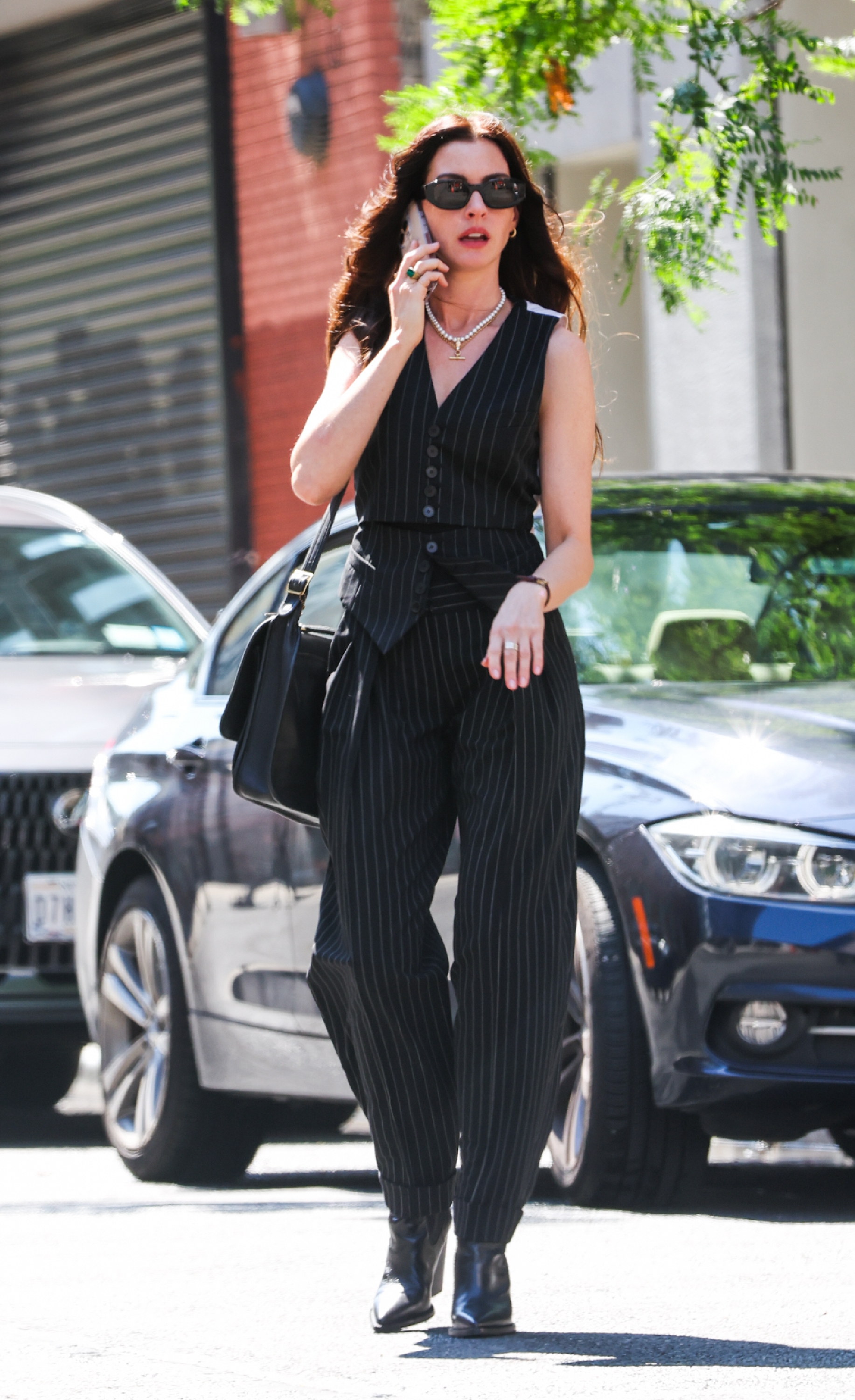 As seen on screenSet photo shows Andy in a 1990s Gaultier Femme pinstripe waistcoat with matching wide-leg trousers, archival Coach saddle bag, and pointed black boots. Andy is fashion now, and she knows it.
How It Works
Three Steps to Any Outfit
Screenshot any outfit
From Netflix, TikTok, Instagram, movies, Korean dramas, or your camera roll. Any image works.
AI finds the exact pieces
Our AI analyzes your image, identifies each garment, and searches 1,000+ retailers for direct purchase links in your local currency.
Complete the look & save it
Our AI stylist suggests matching accessories and shoes to complete your look. Save your favourites to your Wishlist.
Frequently Asked Questions
Can AI identify clothes from a photo?
Yes. FetchFashion AI uses advanced image recognition to identify clothing items in any photo or screenshot and instantly shows you where to buy them online.
How to find clothes from a screenshot?
Upload your screenshot to FetchFashion AI. Our AI detects every clothing item in the image and searches 1,000+ retailers to find exact matches or similar pieces.
What app finds clothes from pictures?
FetchFashion AI is a web-based tool that identifies clothes from any picture, no download needed. Just upload an image and get shopping links in seconds.
What screenshot quality is required?
Any modern phone or laptop screenshot works. FetchFashion accepts JPG, PNG, and WebP up to about 10MB. For best results, use a clear, well-lit frame with the outfit visible, ideally one person per shot. Cropped screenshots focused on the garment also work and often produce more precise matches.
How long does a screenshot search take?
Most screenshot searches complete in 10-30 seconds. The AI analyzes the image, detects each visible garment, and queries our index of 1,000+ retailers in parallel. Results stream in as they arrive, so you usually see the first matches within a few seconds, with the rest filling in shortly after.
See an Outfit You Love?
Upload any screenshot and our AI finds where to buy it. Results in seconds, from 1,000+ stores, in your local currency.
5 free searches per day · no sign-up
Other ways to search
Find clothes from any source you love